Here’s how APK installation works on different platforms:
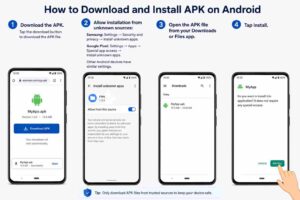
Android
APK files are Android app packages, so they can be installed directly on Android devices.
- Download the APK.
- Allow installation from unknown sources:
- Samsung: Settings → Security and privacy → Install unknown apps.
- Google Pixel: Settings → Apps → Special app access → Install unknown apps.
- Other Android devices have similar settings.
- Open the APK file from your Downloads or Files app.
- Tap Install.
iPhone / iPad (iOS)
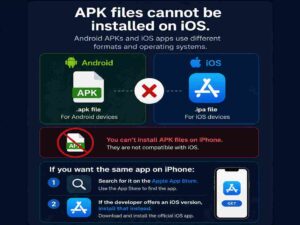
APK files cannot be installed on iOS. Android APKs and iOS apps use different formats and operating systems.
If you want the same app on iPhone:
- Search for it on the Apple App Store.
- If the developer offers an iOS version, install that instead.
Windows Computer
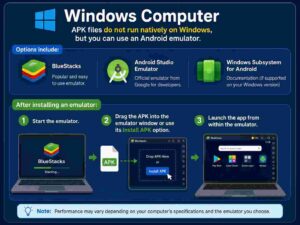
APK files do not run natively on Windows, but you can use an Android emulator.
Options include:
- BlueStacks
- Android Studio Emulator
- Windows Subsystem for Android Documentation (if supported on your Windows version)
After installing an emulator:
- Start the emulator.
- Drag the APK into the emulator window or use its Install APK option.
- Launch the app from within the emulator.
Mac Computer
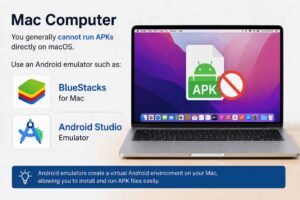
You generally cannot run APKs directly on macOS. Use an Android emulator such as: